Skip to content

BackApp Details
OBS Studio
A cross-platform software for high-performance live streaming and screen recording
Note: Please open in the PC Client. Go to download >>>
Features
System Requirements
Minimum 8GB RAM. Low storage requirement (1GB reserved).
Windows 10/11 64-bit: No specific GPU requirements.
macOS 11+: Supports both Intel and M-series chips.
Screenshots
Introduction
1. Key Features & Highlights
OBS Studio (Open Broadcaster Software) is a free, open-source, and cross-platform application built for real-time video recording and live streaming. It is the world's most popular tool for content creators and broadcasters.
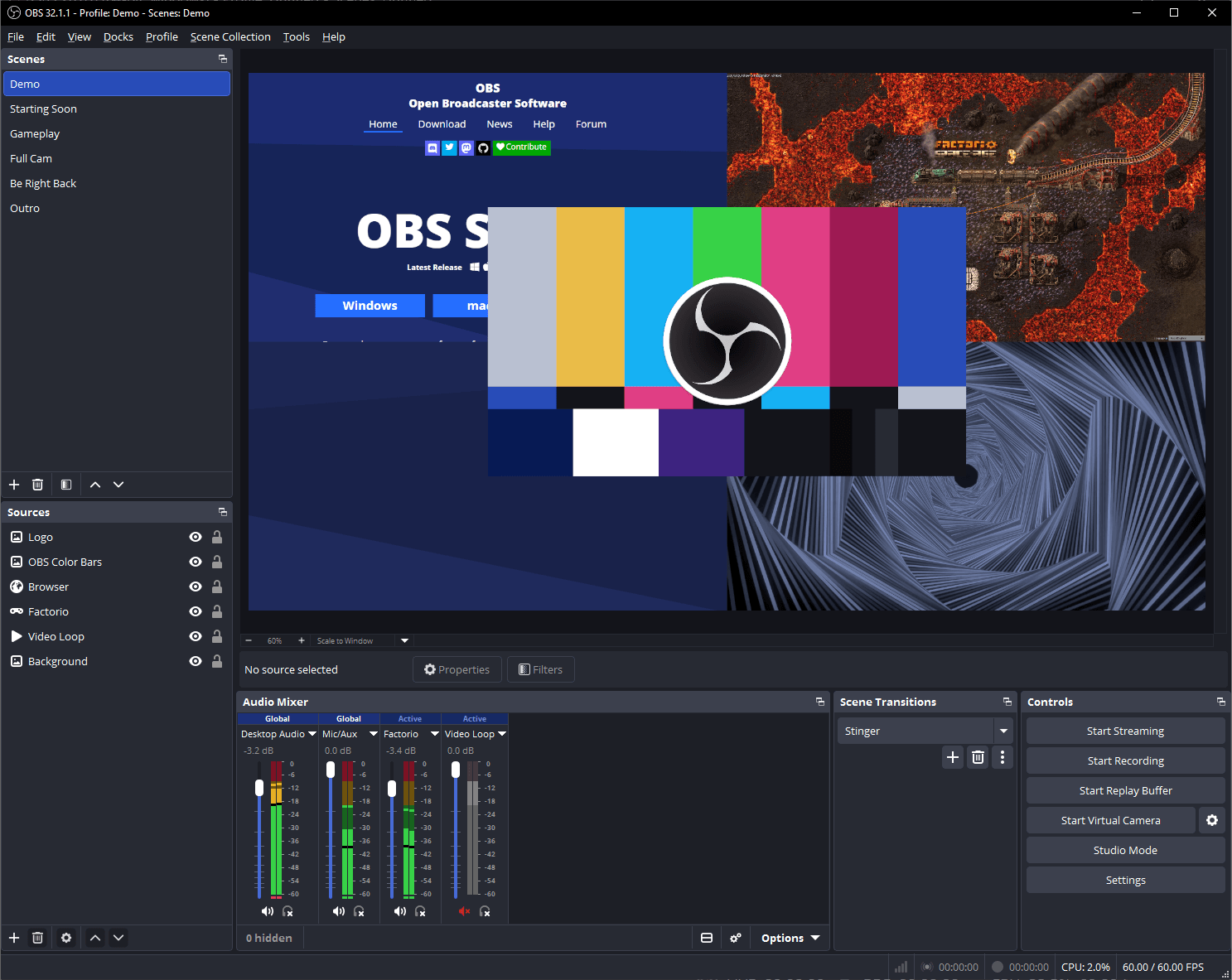
- Real-Time Scene Compositing: Combine multiple sources—including desktop captures, specific application windows, games, webcams, images, browser sources, and video files—into custom scenes with smooth transitions.
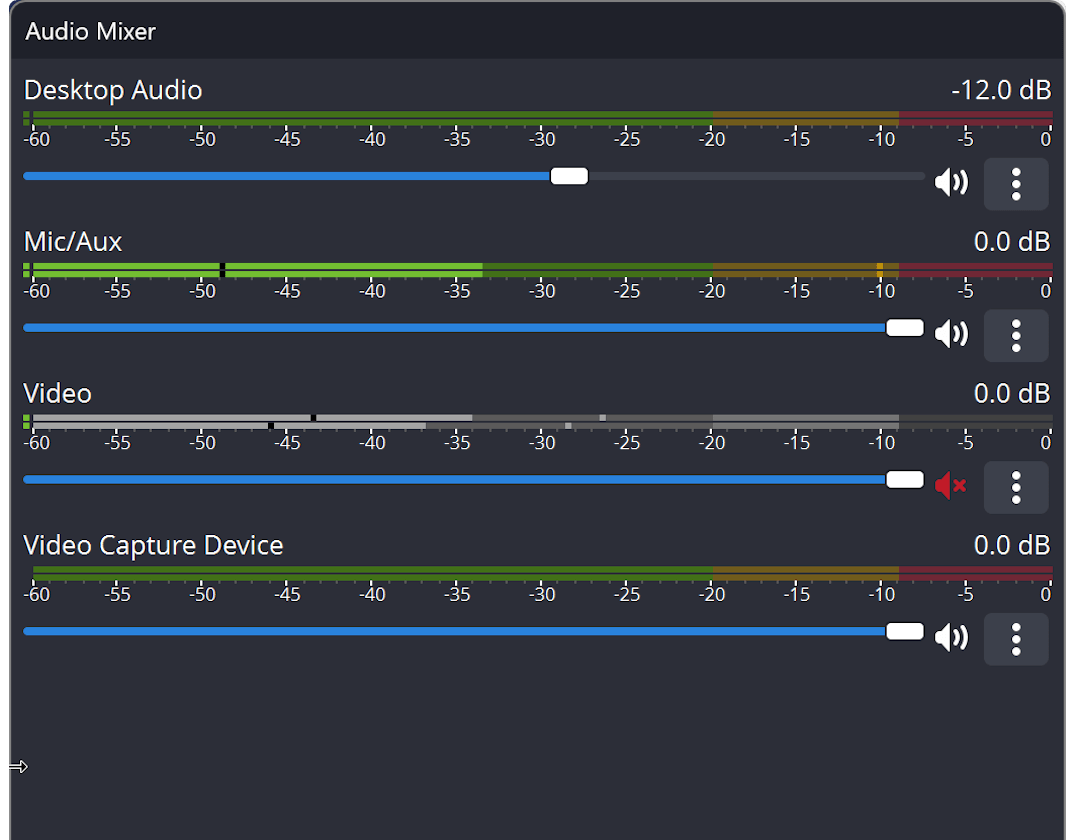
- Professional Audio Mixer: Features a multi-channel mixer with per-source controls, noise suppression, noise gate, gain adjustments, and VST plugin support.
- Multi-Platform Live Streaming: Direct integration with major platforms like YouTube, Twitch, Facebook Live, and Bilibili, supporting protocols like RTMP/RTMPS, SRT, and WebRTC.
- High-Performance Screen Recording: Record crisp video in high frame rates using modern encoders (H.264, HEVC, AV1) with GPU acceleration, offering independent settings for streaming and local recording.
- Extensible Plugin Ecosystem: Supported by a massive community offering plugins, custom scripts, and WebSocket API integration for remote control.
2. Primary Use Cases
- Live Streaming: Gaming broadcasts, educational webinars, e-commerce live sales, and creative performances.
- High-Quality Screen Recording: Creating software tutorials, video essays, courseware, and gameplay highlights.
- Virtual Camera for Video Calls: Sending composited scenes directly into Zoom, Microsoft Teams, or Google Meet as a webcam feed.
- Event Broadcasting & Production: Multi-camera setups, live overlay management, and professional production control.
3. Developer & Team
- Development Team: Maintained by the OBS Project team alongside global open-source contributors. Founded by Hugh "Jim" Bailey in 2012 and later rewritten into the cross-platform OBS Studio architecture.
- Open Source Model: Distributed under the GPLv2 license, completely free with no ads, watermarks, or paywalled features.
4. Underlying Architecture & Tech Stack
- Core Engine (
libobs): OBS's custom C-based core library that drives the audio/video pipeline, graphics compositing, and plugin system. - GPU-Accelerated Graphics: Platform-native rendering backends including Direct3D 11 (Windows), Metal (macOS), and OpenGL (Linux) for real-time scene rendering with minimal CPU overhead.
- Codecs & I/O (FFmpeg & Hardware SDKs): Powered by FFmpeg and deeply integrated with hardware encoder APIs like NVIDIA NVENC, AMD AMF, and Intel QuickSync.
- GUI Framework (Qt Framework): Built with Qt (C++) to provide a responsive and unified user interface across Windows, macOS, and Linux.
LicenseGPL-2.0 license