Skip to content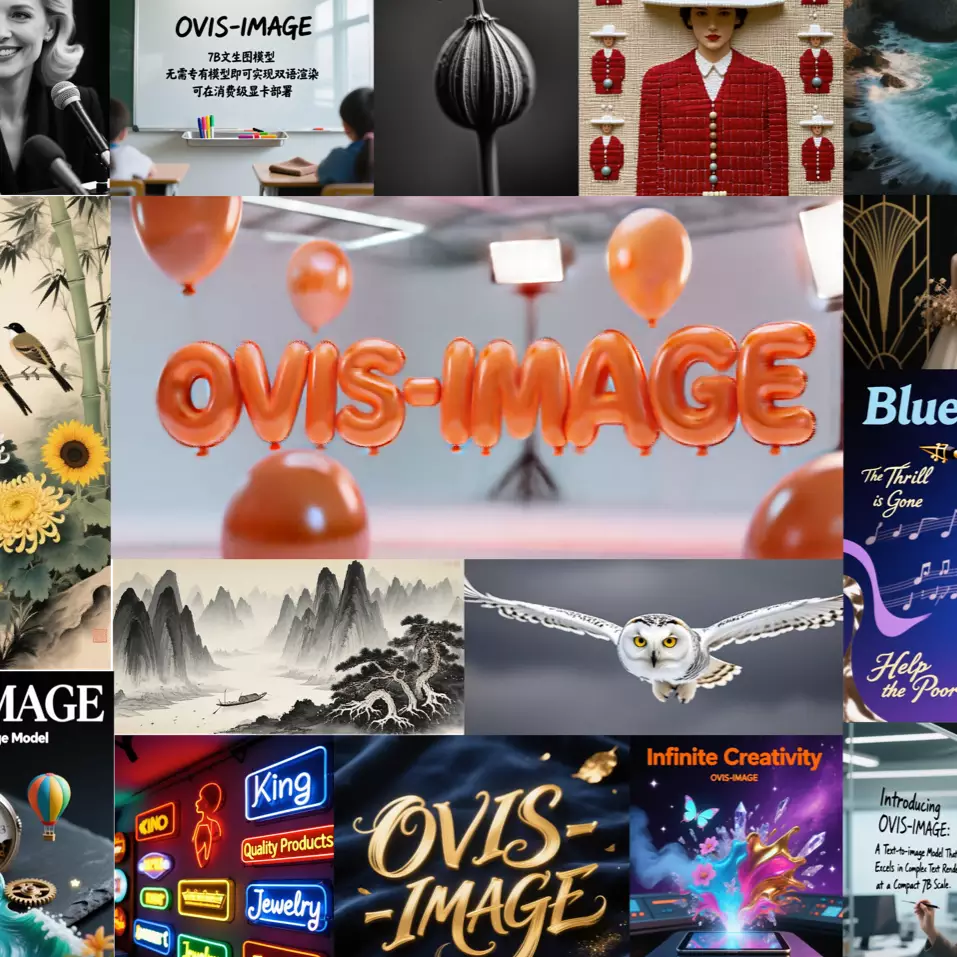


BackComfyUI Workflow Detail
1 / 2🔍
Version Type
TypeWorkflow
FeatureText to Image
Formatgguf
AuthorDavid
Ovis-Image GGUF
Note: All model files and custom nodes below must be downloaded via the client. If you do not have the client, Download >>>
You give it a text prompt—like “a retro-style café poster with the words ‘Weekend Special’ in elegant typography, using beige and cream colors”—and it generates a high-quality, visually appealing image that includes both graphics and readable text. What sets it apart? Most text-to-image models struggle to render legible words—they often produce gibberish or random symbols. But Ovis-Image-7B can accurately generate real, readable text (including Chinese and English) and arrange it naturally within the layout, such as placing headlines, slogans, or labels exactly where they belong.
Model Files
Custom Nodes

| Name | Size | Target Dir |
|---|---|---|
| ovis-image-q3_k_s.gguf | 3.30 GB | unet |
| ovis-image-iq4_xs.gguf | 4.05 GB | unet |
| ovis-image-iq4_nl.gguf | 4.28 GB | unet |
| ovis-image-q8_0.gguf | 7.94 GB | unet |
| Name | Size | Target Dir |
|---|---|---|
| ae.safetensors | 335 MB | vae |
| Name | Size | Target Dir |
|---|---|---|
| qwen3_vl_2b_f32-iq4_nl.gguf | 3.12 GB | text_encoders |
| qwen3_vl_2b_f32-q8_0.gguf | 3.82 GB | text_encoders |